
Wrong street Address on labels in Aramex for sender
The address comes from your Aramex account. You can’t ship from an alternate location like CP or Auspost, your pickup is locked to your Aramex account address.
The only option therefore, is to change your address with Aramex (not just in the Aramex portal) but your whole account’s official address).
Once your address is changed at Aramex you can set the correct address in the App. Go to Settings >>>> Manage Address
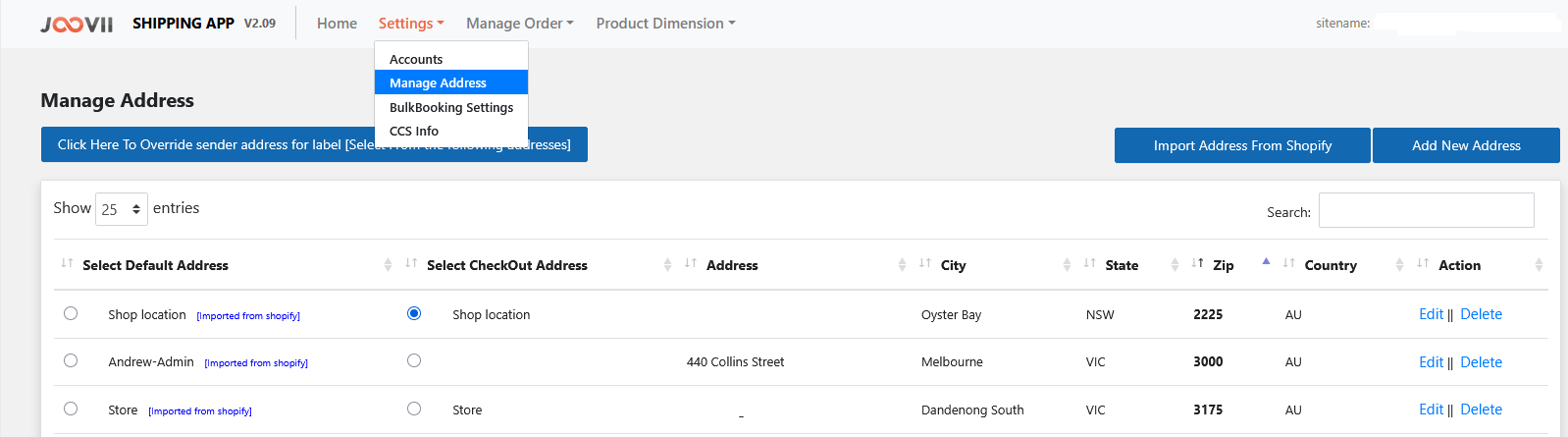
If no addresses are there please push the import address from Shopify Blue button.
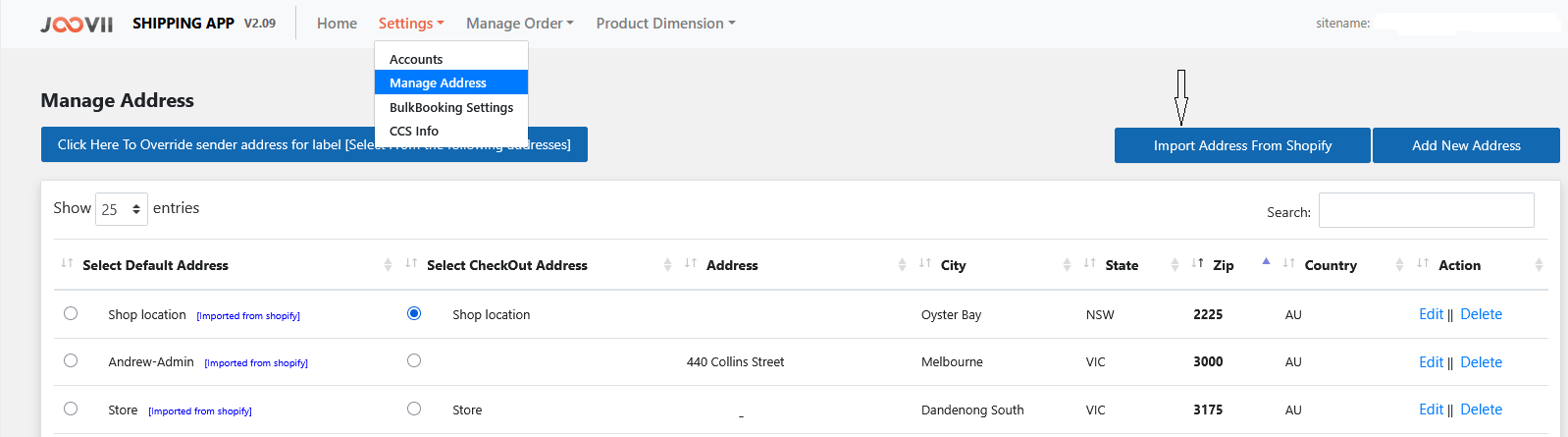
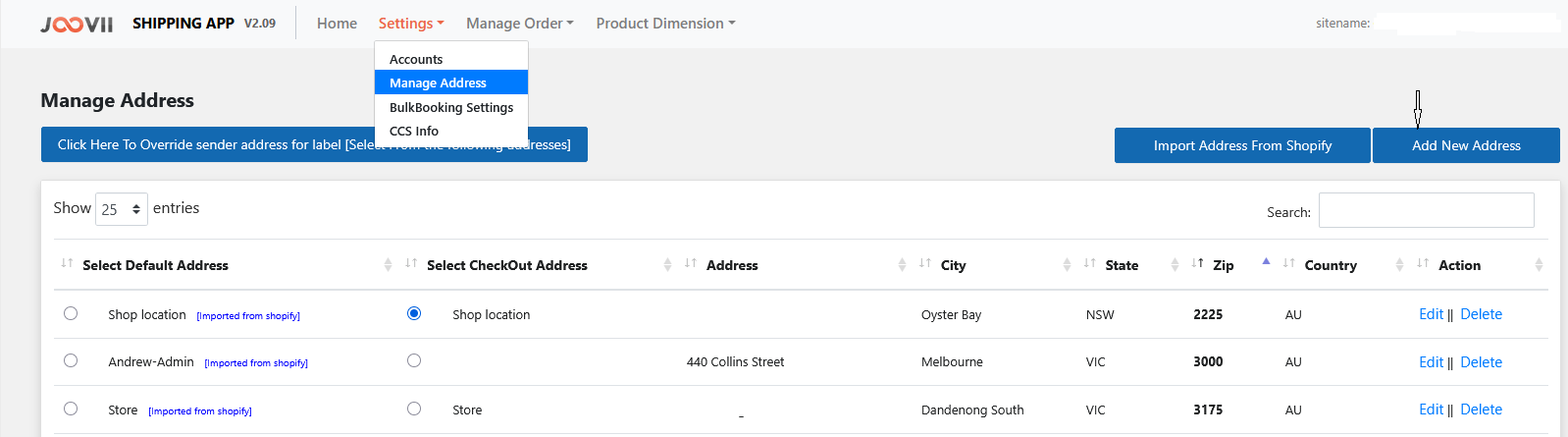
If no addresses import please Add New Address
If your address is imported and you wish to edit it please click on the edit wording.
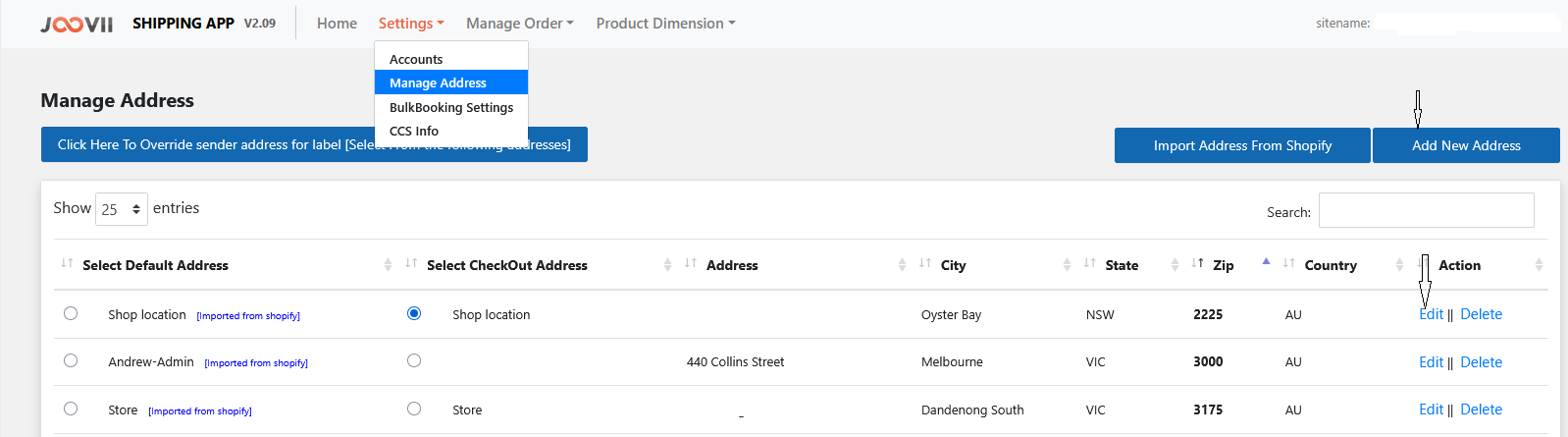
This allows you to change any details in the address.
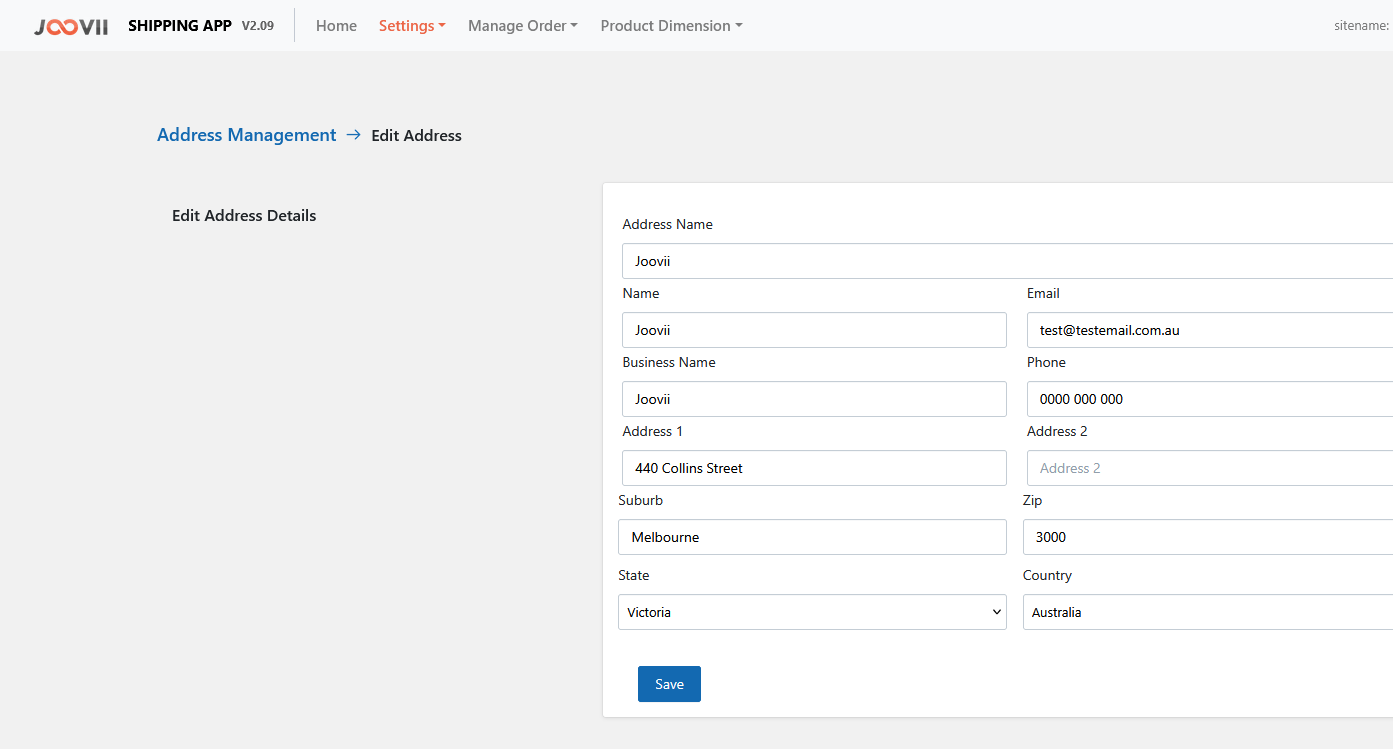
Note: In the name field please place your Business Name. If you add your personal name this will appear on the label.
Once you have made your changes please push save and go back to Manage Address so we can allocate an address to your label.
How to Allocate the Address to your Label.
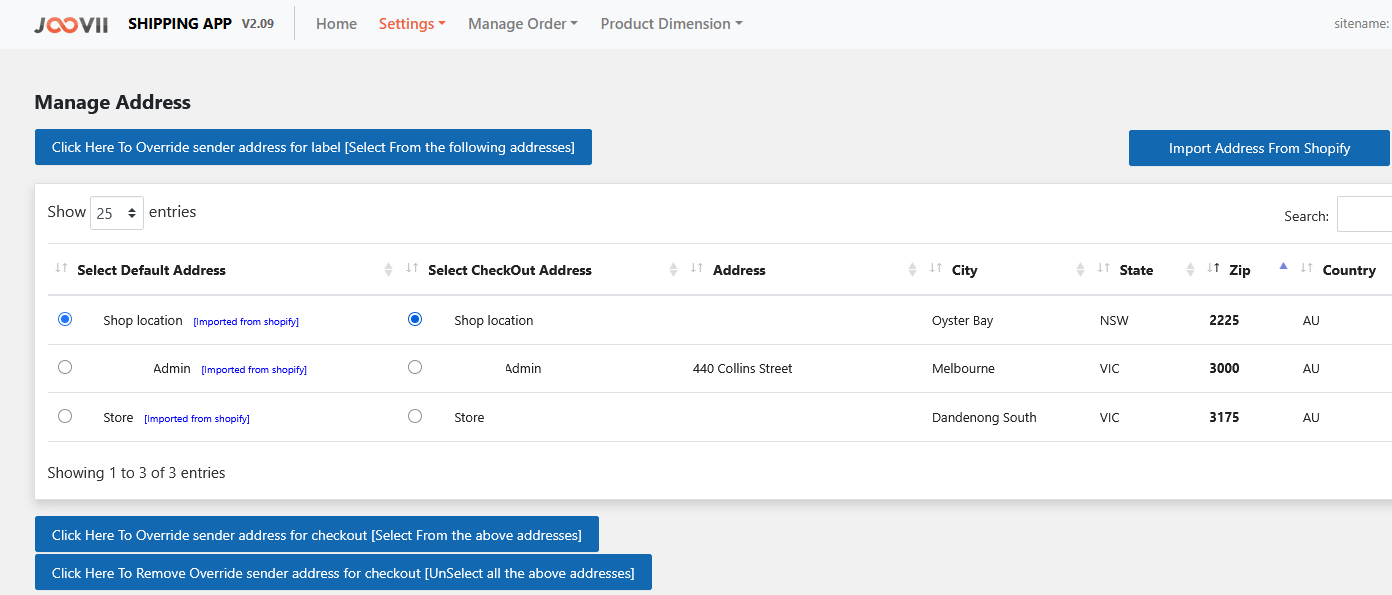
Once you are back on the manage address page you will see their are buttons under Select Default Address and Select Checkout Address.
These buttons let you select from a address on your list.
To show your address on the label please select the address you want shown and click on the blue box Click here to override sender label
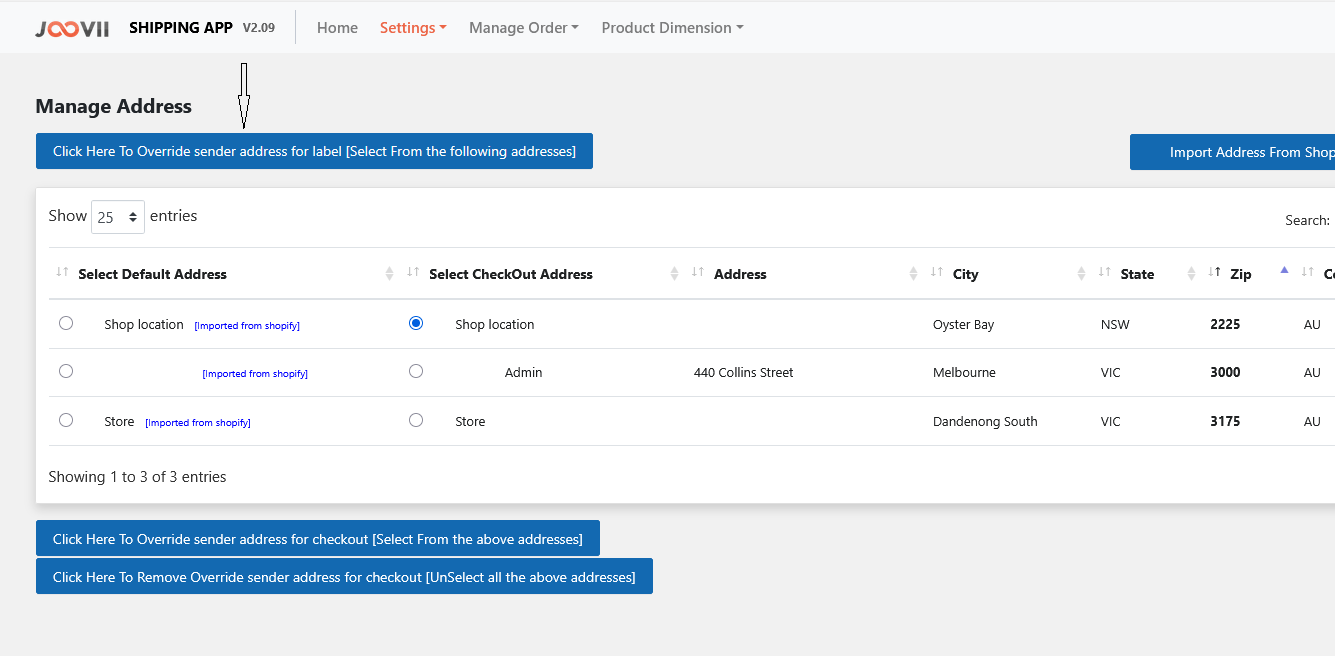
The same applies for the Checkout Address but push Click here to override sender address at the checkout.
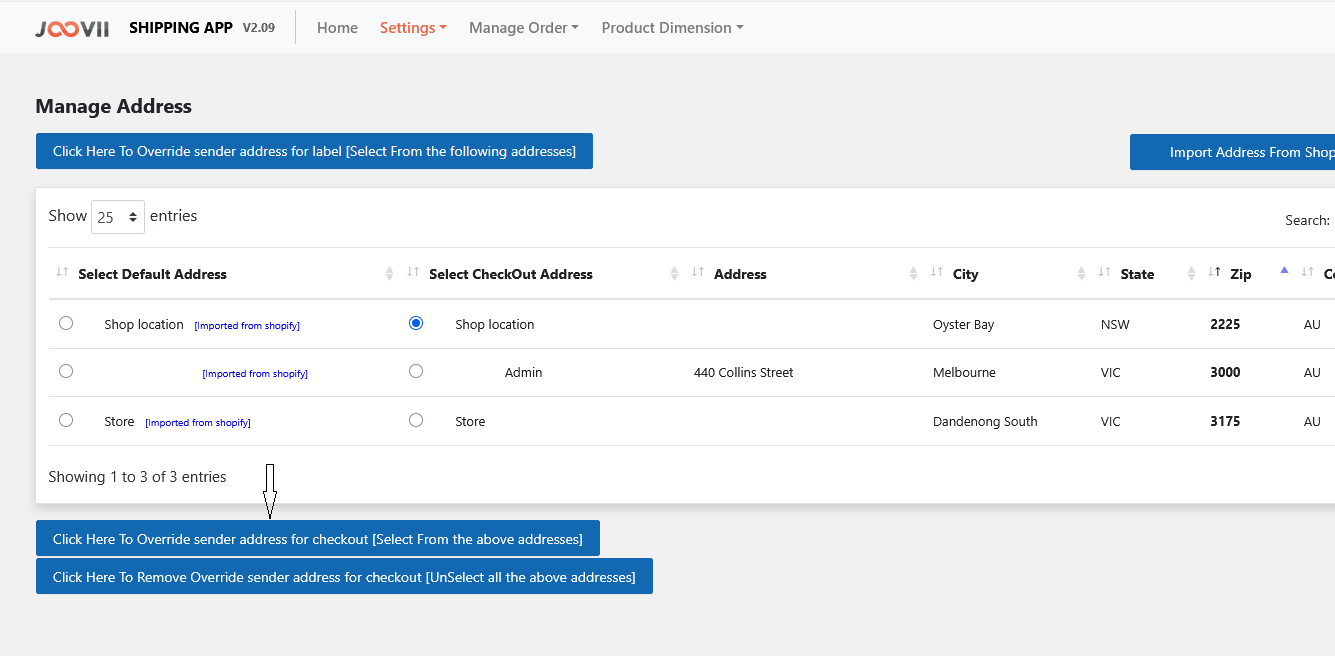
Once this is done you should receive a box that says status saved successfully.