
Rates will not show in my shopify checkout.
If rates are not working in the checkout there are a few reasons this could occur.
In your Shopify store please check your location settings and ensure you have a default location, if you do not the carriers cannot quote or add services.
If this area is blank please add a new location at the top of the page (This needs to be your pickup address.
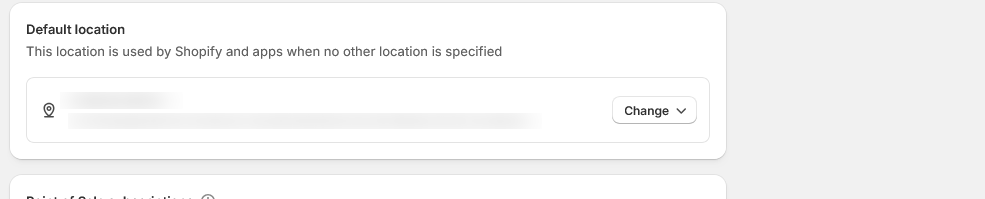
If your location has a full address set s default please go to Settings>>> Shipping and Delivery.
General profile>>>edit
Make sure fulfillment location is visible with the same address as your location.
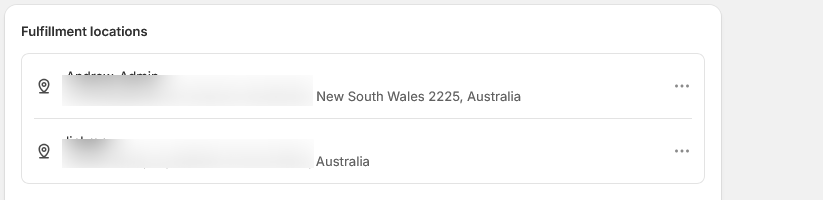
Once this is done check your shipping zones and edit these by clicking on the 3 dots.

Make sure services are listed under Add service.
If these are not selected and saved the rates will not show in the checkout.

Pick the relevant services and tick them. Once ticked push Done and save the shipping rate.


Services will now show in the checkout.