Archive Orders
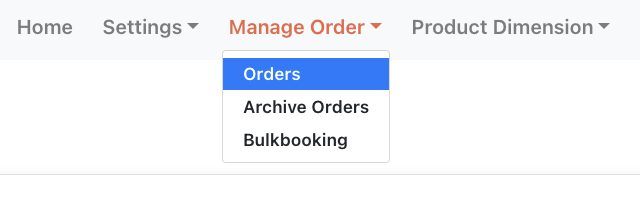
Order older that 60 days are automatically relocated from the main order list to a separate page. This page is accessible in the app menu under Manage Order > Archive Orders. To book shipments on these orders, press the "Restore" link at the end of the order row. This will bring it back to the main orders list where it can be booked as normal.